
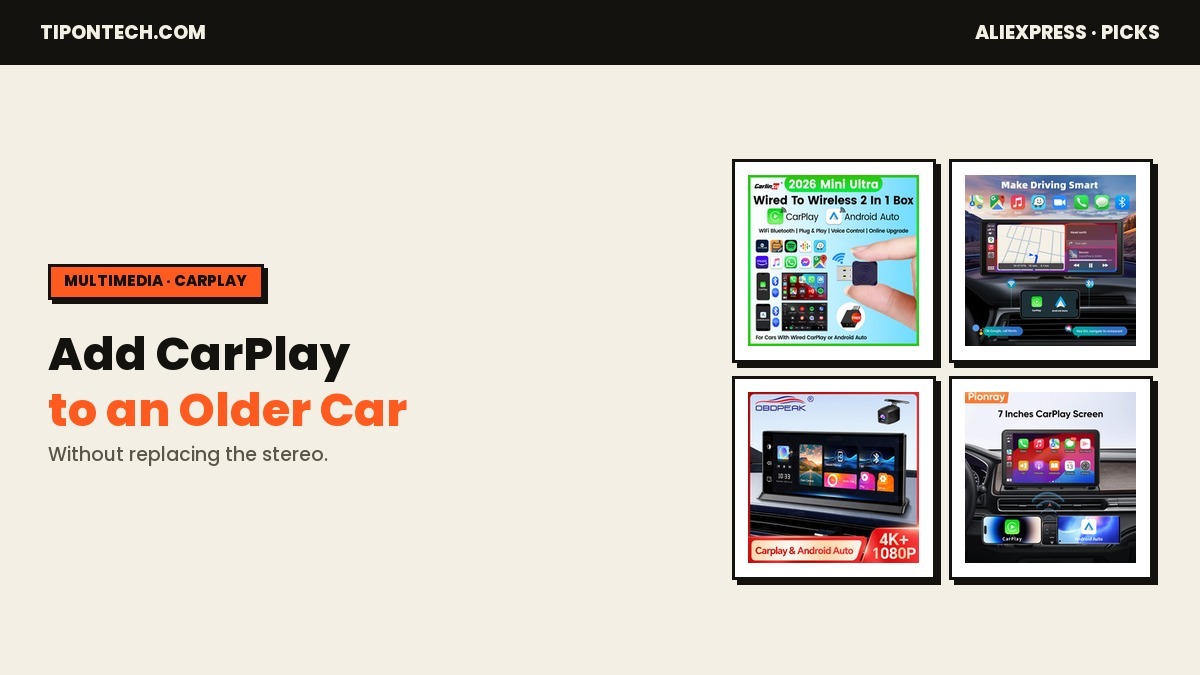
Adding CarPlay to an older car looks confusing at first. Product pages promise a “plug-and-play” dashboard, while a local installer quotes $400–$800 to tear out the dash and fit a big Android screen. For most older cars you need neither extreme: you can get Maps, hands-free calls and Spotify on a real screen without removing the factory stereo — if you pick the right route for your car.
Here is my point of view.
Quick verdict: First check whether your car already has wired CarPlay. If it does, a small wireless adapter (about $15–$30) is the whole upgrade. If your car has no screen at all, add a portable CarPlay screen that powers from the 12V socket — nothing is removed. Then spend about $10 on an external microphone, because call quality is where the cheap setups fail.
Which upgrade does your car need?
Before buying anything, look at your dashboard and answer one question: does your car already show CarPlay on a built-in screen when you plug your phone in with a cable?
Many 2016–2020 cars do — but only wired CarPlay, which ties you to a cable every drive. If that is your car, you do not need a new screen at all (Path A). If your car has no screen, or a screen that has never shown CarPlay, you are in the other camp (Path B). Getting this right can save you $80.
Path A — your car already has wired CarPlay
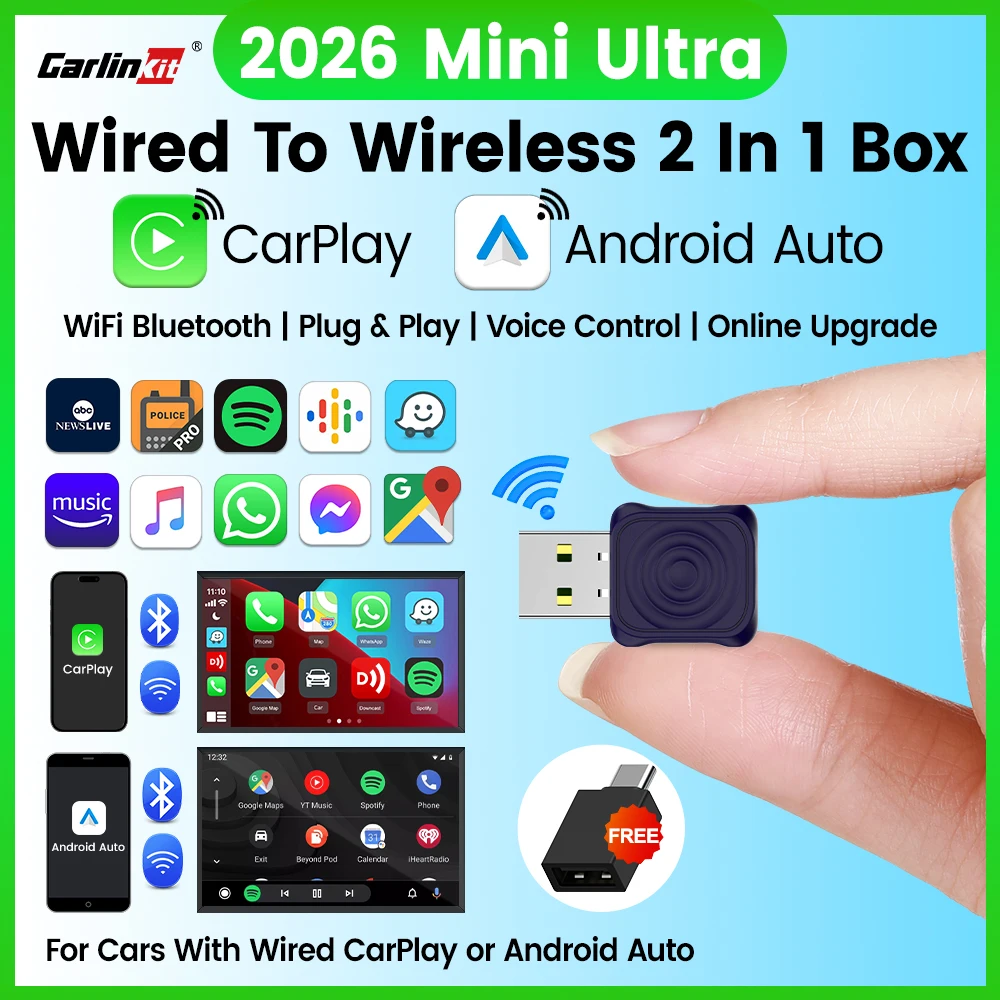
You do not need to spend $100 or more; you just need to cut the cable. A wireless CarPlay adapter plugs into your existing USB / CarPlay port once and turns your factory wired CarPlay into wireless, so your phone connects automatically the moment you get in. On AliExpress the well-known option here is CarlinKit, and it supports most factory-CarPlay cars from roughly 2016 onward.
Path B — your car has no screen at all
This is the classic older-car situation, and the fix is a portable CarPlay screen: a self-contained touchscreen that mounts on the dash or windshield and powers from the 12V (cigarette-lighter) socket. It connects wirelessly to your phone and plays audio through your car speakers via AUX, Bluetooth or FM. Nothing is removed and nothing is cut. Pick the size that fits your dash.

If you were going to buy a dash cam anyway, a model with a built-in camera does both jobs from one box and one power cable (see my AliExpress dash cam guide).

On a tight budget, a smaller 7-inch screen still gives you wireless Maps and calls — just confirm the touch response looks quick in the listing video before buying.

The two add-ons that fix the usual complaints
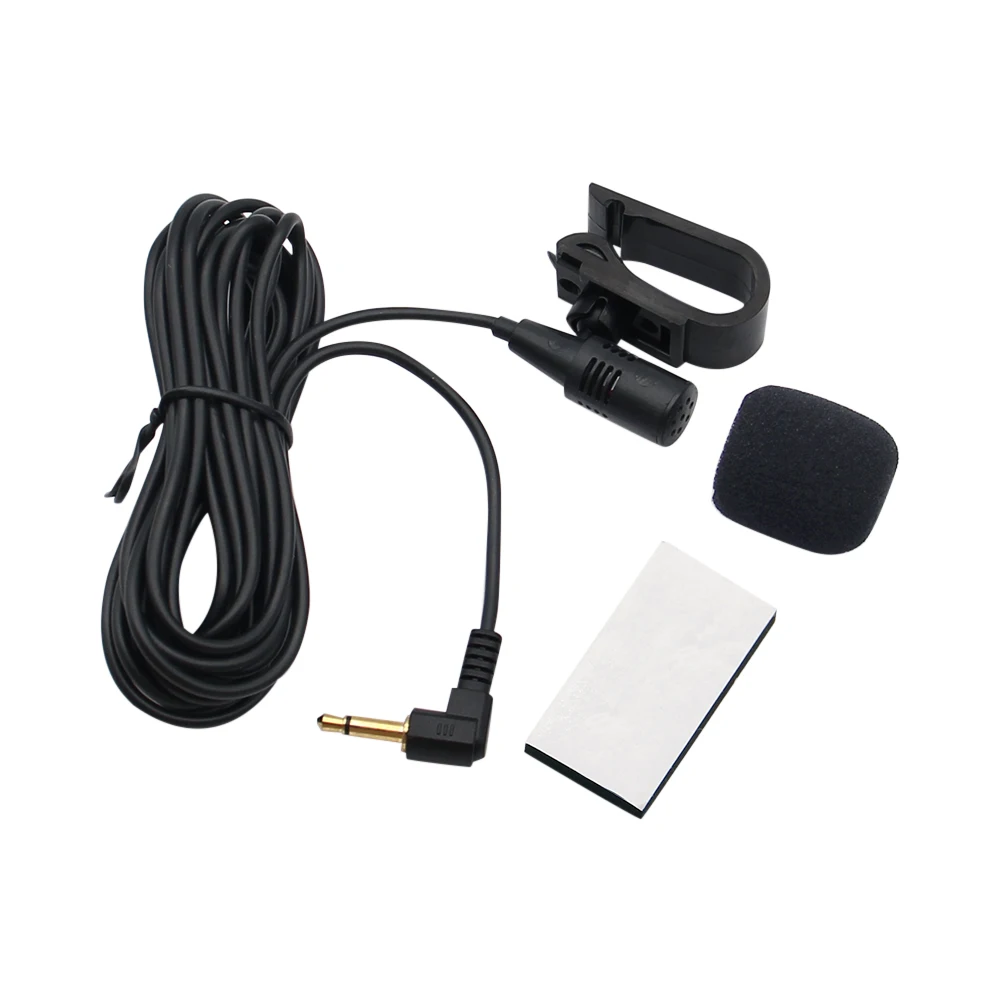
Two cheap accessories are the difference between a setup you love and one you return. An external microphone clips near the sun visor and fixes the number-one complaint — that callers say you sound far away. And because most of these screens have a rear-camera input, a cheap wireless backup camera (about $18–$30) turns the same screen into a parking camera.
What buyers expect vs. what they actually get
Here is the gap between the listing photos and real feedback, so you go in with eyes open.
| The listing implies | What buyers often report |
|---|---|
| “Instant, snappy touchscreen” | Cheap units have a 1–2 second touch lag. Good ones do not — this is the No.1 thing to get right. |
| “Crystal-clear hands-free calls” | The built-in mic sits far away on the dash; callers say you sound distant. Fix: a $10 external mic. |
| “Perfect visibility” | Glossy screens wash out in direct sun. A matte screen and a good mounting angle solve it. |
| “Plug-and-play audio” | FM transmission can hiss; AUX or Bluetooth audio-in sounds far better if your car supports it. |
| “Fits any car” | Suction mounts pop off hot dashboards. A vent or screw-down mount is more reliable. |
None of this means do not buy — it means buy the right one and add two $10 accessories. That is the whole game.
The four problems nobody warns you about
- Touch lag. The cheapest units feel like typing underwater. If a listing will not show a real video of the touch response, skip it.
- Call quality. The dash-mounted mic is too far from your mouth. Fix it with a $10 external mic near the visor.
- Audio path. FM transmission hisses. If your car has AUX or Bluetooth audio-in, use that instead — night-and-day difference.
- Mounting and glare. Suction mounts fall off hot dashboards and glossy screens wash out in sun. Use a vent or screw mount and angle away from direct light.
Portable screen, adapter, or a new head unit?
| Option | Removes the dash? | Price | Best when |
|---|---|---|---|
| Wireless adapter | No | ~$15–$30 | You already have wired CarPlay |
| Portable CarPlay screen | No | ~$35–$120 | You have no screen and will not modify the car |
| Replace with an Android head unit | Yes | $150–$400 + install | You want a permanent, built-in look |
For most people keeping an older car, a portable screen or a cheap adapter is the smarter money.
How to install it without touching the dash
- Mount it. A vent mount or screw-down bracket beats a suction cup on a hot dash.
- Power it. Run the included cable to your 12V socket, then tuck it along the trim for a clean look.
- Connect audio. Best to worst: AUX-in, then Bluetooth audio, then the FM transmitter.
- Add the mic. Clip the external microphone near the visor for clear calls.
- Pair your phone. Connect once; after that it is automatic every drive.
Total time is about 10–15 minutes. No panels removed, fully reversible, and it moves to your next car.
Bottom line
You do not need to gut your dashboard to get Maps, calls and Spotify on a real screen. Work out which camp your car is in first: if it already has wired CarPlay, a small wireless adapter is all you need; if it has no screen, add a portable CarPlay screen sized to your dash. Either way, add a $10 microphone and route audio through AUX or Bluetooth — that is what separates a great setup from a returned one.
Frequently asked questions
Will a wireless adapter add CarPlay to a car that has no screen?
No. An adapter only makes existing wired CarPlay wireless. With no CarPlay screen at all, you need a portable CarPlay screen instead.
Does the audio come through my car speakers?
Yes — through AUX-in (best), Bluetooth audio-in, or the built-in FM transmitter (most universal, but the noisiest).
Will it drain my battery?
No. These power from the 12V socket, which is off when the car is off. Nothing is hardwired unless you choose to.
Is it legal, and will it pass inspection?
It is a removable accessory, not a modification. Just mount it so it does not block your view of the road.
Can it show both iPhone and Android?
Yes — the screens and adapters here do both wireless CarPlay and wireless Android Auto.
Product availability, prices, ratings, and compatibility can change. Verify the current listing and your car’s CarPlay type before buying.

I’m Avi, a parent, car owner and tech lover who researches AliExpress finds for real driving life – from dash cams and diagnostics tools to the gear that survives a long road trip with kids in the back seat. I spend hours digging through specs, buyer reviews, and automotive forums (and tracking which travel toys parents report actually stay quiet past mile 50) so you don’t have to – and I only recommend what holds up under real buyer scrutiny.