Wireless Mouse Lagging or Stuttering? 7 Fixes
Wireless mouse lagging, stuttering or skipping? Check the battery, receiver placement, surface, interference and polling settings.

Budget PC and gaming peripherals from AliExpress — keyboards, mice, headsets and more, my point of view.
Wireless mouse lagging, stuttering or skipping? Check the battery, receiver placement, surface, interference and polling settings.
Bluetooth keyboard will not connect or pair? Check batteries, pairing mode, forget the device, interference and Bluetooth settings.
New or existing SSD not showing up? Check BIOS detection, Disk Management, drive letter, initialization and the cable or slot.
HDMI no signal on your TV or monitor? Check the input source, cable, ports, power cycle, resolution and HDCP with these eight fixes.
USB hub not working or devices not detected? Check power, ports, cables, drivers and USB power saving with these eight fixes.
Gaming headset mic not working on PC? Check the mute switch, Windows privacy settings, default input device, plug type and drivers.
Controller stick drift moving your character on its own? Causes and fixes: recalibration, cleaning, deadzone settings, replacement and Hall effect sticks.
Mechanical keyboard typing double letters or a mouse that double-clicks by itself? How to diagnose it and what fixes it, from cleaning to debounce settings.

A dual monitor arm, a laptop cooling pad, and a 4K capture card — 3 real AliExpress picks that fix the most common gaming desk problems, all under $80 each.
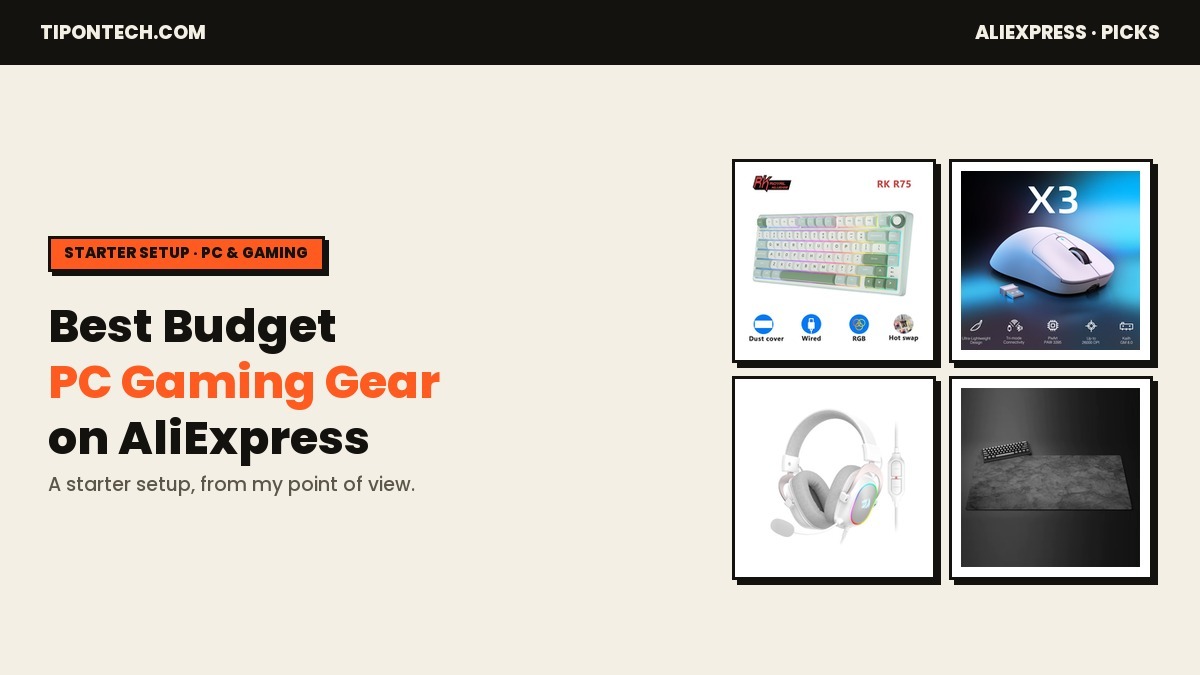
A good gaming setup doesn’t need a flagship budget. AliExpress is full of the peripherals that used to be expensive — mechanical keyboards, lightweight wireless mice, decent headsets — for a fraction of brand-store prices. The trick is knowing which corners are safe to cut and which aren’t. These six pieces get a PC or … Read more