
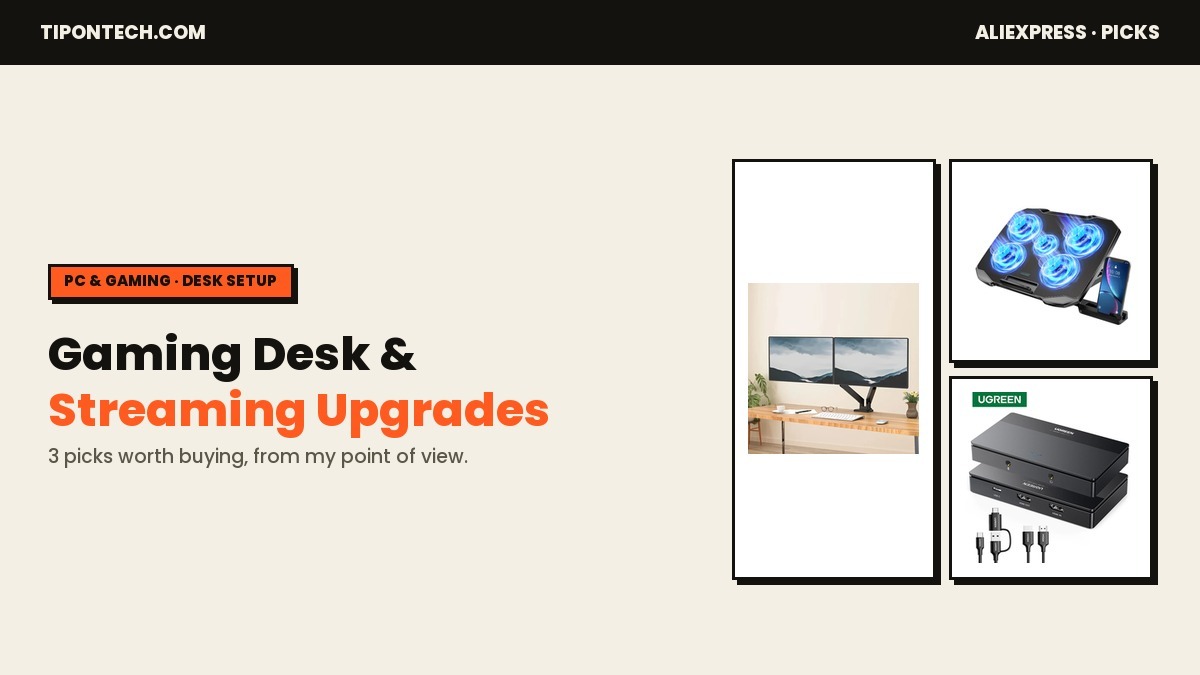
If you already covered the basics — keyboard, mouse, headset, and a controller — the next upgrades that actually change how a gaming desk feels day to day aren’t more peripherals. They’re the three things that quietly cause the most friction: a monitor setup eating your desk space, a gaming laptop throttling itself under load, and no clean way to record or stream what’s on screen. Quick verdict: a proper monitor arm, a real cooling pad, and a capture card solve those three problems for under $125 combined, and all three are legitimate AliExpress listings with strong sales history — not gimmicks.
What makes a gaming desk upgrade worth buying?
I skip anything that’s cheap because it’s flimsy. For this list I only looked at products with real order volume (hundreds to thousands sold), a rating above 4.5, and a clear, specific job — not a vague “RGB gaming accessory” that looks nice in a thumbnail and does nothing for your actual setup. Two things I deliberately left off: RGB LED strips and cable management boxes. Both sell in huge volume on AliExpress, but they’re cosmetic — nice to have, not something that changes how you use your desk. The three below all solve a real problem.
1. A dual monitor arm that actually clears your desk
If you’re still propping two monitors on their stock stands, you already know the problem: no room for a mouse mat, no way to angle either screen without shoving the other, and a desk that looks cluttered no matter how you arrange it. A gas-spring desk-clamp arm fixes all of that in one part — both monitors mount on a single clamp, swivel and tilt independently, and the desk underneath is free for everything else. This one supports 13″–32″ screens with full 180° swivel and 360° rotation per arm, and it’s a genuine top seller — over 1,000 sold with a 4.6-star rating across 218 reviews.
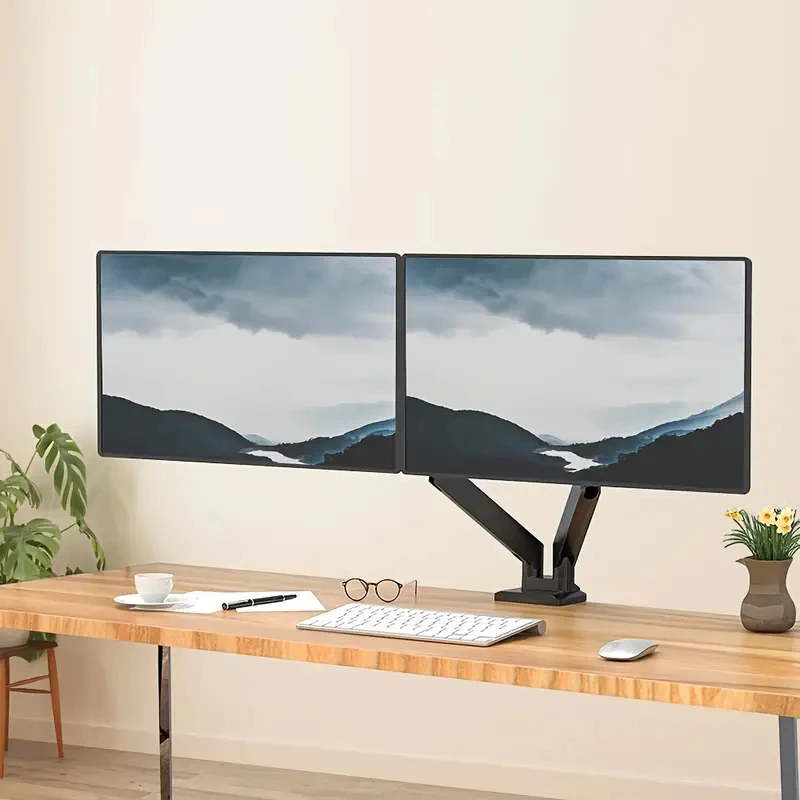
2. A cooling pad for laptops that throttle under load
Gaming on a laptop has one recurring problem no amount of settings-tweaking fixes: thermal throttling. The fans built into most laptops just can’t move enough air once the CPU and GPU are both working hard, so frame rates drop mid-session even on decent hardware. A dedicated cooling pad with its own fans underneath pulls a lot of that heat away before it becomes a bottleneck. This COOLCOLD pad fits 12–17 inch laptops, has 5 individually quiet fans plus 5 height angles for better ergonomics, and comes with a small phone holder built in — useful if you’re using a second screen or Discord on your phone while playing. 2,000+ sold, 4.6 stars across 467 reviews.
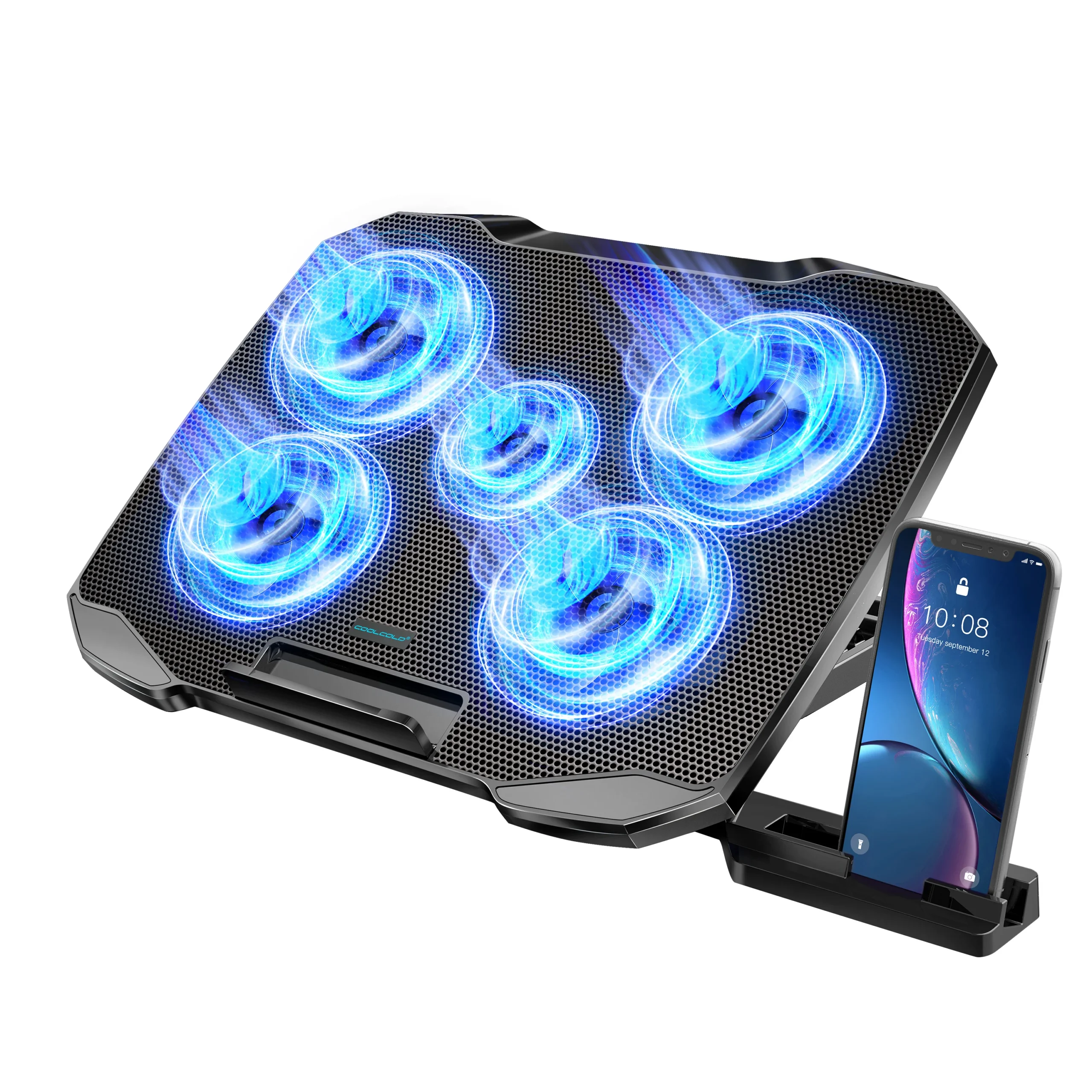
3. A capture card if you want to record or stream
If you’ve ever wanted to record console gameplay, stream from a second PC, or just pull a clean video feed off any HDMI source into your main computer, you need a capture card — your GPU alone won’t grab an external HDMI signal. This UGREEN unit takes 4K60Hz HDMI in and outputs over USB or USB-C, which covers most modern consoles and cameras without extra adapters. It’s also a good fit if you’re building out a broader content-creation setup alongside a phone or camera rig. UGREEN is a real, established brand on AliExpress (this listing carries their “Brand+ Certified Original” badge), and the card has sold 4,000+ units with a 4.7-star rating across 591 reviews.
How to choose, based on your setup
- Running two monitors on stock stands and short on desk space? Start with the monitor arm — it’s the one upgrade you’ll notice every single session.
- Gaming on a laptop and seeing performance dip after 20–30 minutes? That’s throttling — the cooling pad is the fix, not a settings tweak.
- Want to record clips, review gameplay, or start streaming from a console or second device? The capture card is the one piece of hardware that actually enables that — nothing else on this list does.
- Building a full setup from scratch? All three stack fine together and total under $125 at the prices above.
Bottom line
None of these are exciting purchases the way a new GPU is, but they’re the upgrades that actually remove daily friction: a cluttered desk, a throttling laptop, and no way to capture what’s on screen. If you already picked up the starter peripherals, these three are the logical next step — and all three are proven sellers, not experimental picks.
Disclosure: This post contains affiliate links. If you buy through one, I may earn a small commission at no extra cost to you. I only recommend products I’d actually consider buying myself.
Peripheral problems? See keyboard double typing and mouse double-click fixes.

I’m Avi, a parent, car owner and tech lover who researches AliExpress finds for real driving life – from dash cams and diagnostics tools to the gear that survives a long road trip with kids in the back seat. I spend hours digging through specs, buyer reviews, and automotive forums (and tracking which travel toys parents report actually stay quiet past mile 50) so you don’t have to – and I only recommend what holds up under real buyer scrutiny.